BUSINESSES
Build Your Workforce with Confidence
Get Started
Join JobArk and see how you can reduce your risk around evolving UK employment standards.
- STEP 1
Create Your Business Account
Set up your company profile once.
Add your company information, Upload your Employers’ & Public Liability Insurance, and Agree to the Terms of Business.
Every business onboarding is reviewed before approval. This ensures only verified orgaiisations access the platform.
Once approved, your dashboard unlocks full booking capability.
From there you can:
View sector rate cards and shift types
Create and manage Assignments
Track Active, pending, and completed bookings
Monitor Invoices, deposits, and balances
View Worker profiles and scores
Track Compliance documentation
- STEP 2
Submit a Booking
When you need staff, submit a structured booking request including:
Role title and sector
Number of workers required
Shift dates and times
Break structure
Site address and reporting instructions
Named supervisor(s)
PPE and dress code requirements
Role duties
Before submission, you confirm health and safety responsibility and billing terms.
Once submitted, full commercial and compliance framework for that booking is captured.
- STEP 3
Intelligent Placement & Roster Selection
As soon as your booking is created, our system filters workers automatically based on:
Experience level
Role-specific certification
Active Right to Work status
Visa restrictions (e.g. student hour caps)
JobArk Score
Geographic radius and availability
Location radius and availability
You are presented with top-matched, eligible worker profiles and can begin to build your workforce from there.
Each profile shows:
Experience classification
Verified qualifications
Profile summary
You can select the workers you want. Request adjustments if needed. Nothing goes live without your confirmation.
- STEP 4
Secure Booking & Payment Protection
Before any booking becomes active:
Payment details must be securely stored
Prepayment or deposit applied where required
Credit terms are validated if approved
No shift proceeds without secured payment terms.
This protects:
Workforce continuity
Payroll assurance
Site stability
Commercial clarity
Once secured, workers receive assignment contracts.
- STEP 5
Verified Attendance on Site
On shift day:
Workers report to the named supervisor(s). Supervisors verify identity scanning workers JobArk ID.
Attendance is recorded in real time and tied to:
Worker ID
Supervisor ID
Booking ID
Timestamp
If overtime is required:
Supervisors submit request digitally
Hours are logged digitally
Approved overtime is recorded separately
This removes:
Unauthorised hours
Inflated timesheets
Manual disputes
End-of-week reconciliations
Your dashboard updates live with attendance status and shift progression.
- STEP 6
Completion, Payroll & Invoicing
Once shifts are completed and verified:
Payroll is processed under PAYE
Holiday pay, NI, pension, levy calculated automatically
Invoice generated from verified timestamps
For multi-day or ongoing bookings, invoices can be consolidated weekly to avoid inbox overload.
Each invoice links directly to:
Booking ID
Worker ID
Verified hours
Overtime (if Approved)
Applied discounts (if applicable)
VAT and PO references
Clear audit trail. Clean reconciliation.
What Our Clients Say
JobArk gives us clarity. We can see whos coming, what they’re qualified for, and when they’ve checked in. The attendance verification alone has reduced disputes significantly.
Compliance is critical for us. JobArks onboarding and Right to work checks give us confidence that every worker on site is properly verified.
Why JobArk Works for Business
Jobark is structured around governance and control without slowing you down.

Intelligent placement using verified data
Client-Led roster selection
Real-time visibility from booking to billing
Verified attendance tied to identity
Transparent pricing
Volume based auto rate reductions
Temp-to-perm pathway
Short-term cover to ongoing workforce needs.
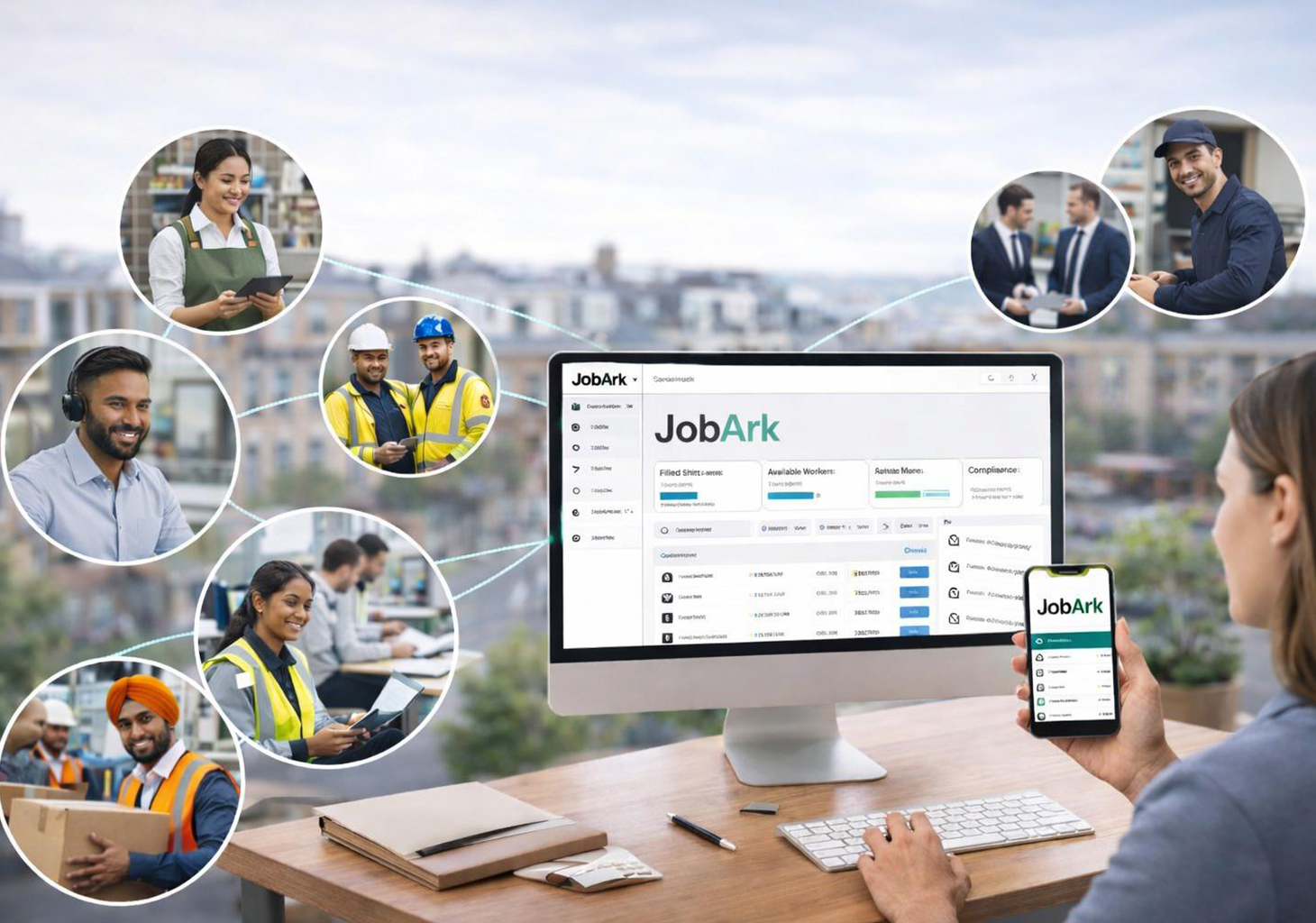
The Business Dashboard
Your operational control centre includes:
Assignment creation and tracking
Workforce management tools
Attendance verification monitoring
Invoices and payment status
Compliance documentation tracking
Direct Support channel
Ready to Simplify Your Workforce?
Create your business account today and move your staffing into a governed, verified system designed for modern employment standards.